


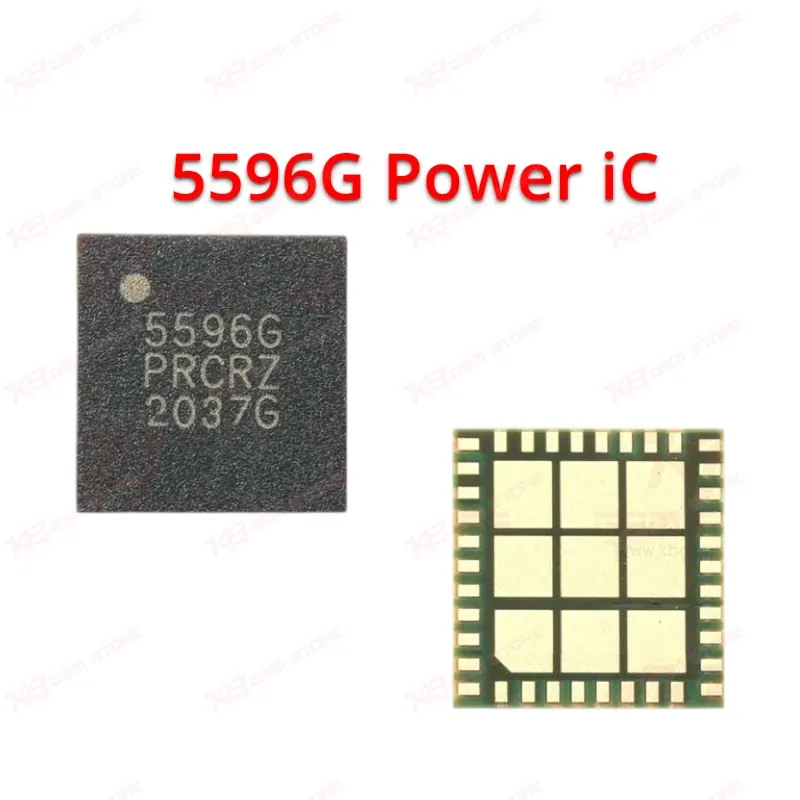
5596G Power iC
5596G Power iC
Regular price
Rs.200.00 PKR
Regular price
Sale price
Rs.200.00 PKR
Shipping calculated at checkout.
Quantity
Couldn't load pickup availability
The 5596G IC, marked NZ5596GTR1, is a power amplifier chip used inside the network/signal module of mobile phone motherboards. Technicians reach for this IC when a device shows no network, weak signal, or complete network dead condition after checking the antenna and RF path. It's a common bench replacement part for Android boards using the 5596G reference circuit, including verified use on Infinix Smart 7. Suitable for reballing or direct IC change during signal-related board repair at your workshop.
⚖️ Weight: 0.01 kg
SKU:MST-IC-349
- Safe & Secure Payment
- Fast Delivery
- WhatsApp Support


Description
FAQ
What is the product name?
The product name is the 5596G Power Amplifier IC.
What is the brand of this product?
The chip carries the NZ marking (NZ5596GTR1) as its identifying reference.
What is the model of this product?
The model is 5596G, also marked as NZ5596GTR1.
What is this product used for?
This IC is used to repair no-network, weak signal, and dropped network issues on the phone's signal amplifier stage.
Which devices are compatible with this product?
Verified compatibility includes the Infinix Smart 7; it also fits other MediaTek-based boards using the same 5596G/NZ5596G PA circuit, subject to board-level confirmation.
Who should use this product?
This IC suits mobile repair technicians, GSM repair shops, and service centers handling network/signal-related hardware faults.
Does the 5596G IC fix a "no network" issue after software reset fails?
Yes, if the fault is isolated to the PA stage through voltage and continuity testing, replacing the 5596G typically resolves a hardware-level network dead issue that software or SIM resets can't fix.
Can the 5596G be reflowed instead of fully replaced?
A dry-soldered 5596G can sometimes be fixed with a controlled hot air reflow, but a physically damaged chip needs a full IC change with reballing for a reliable repair.