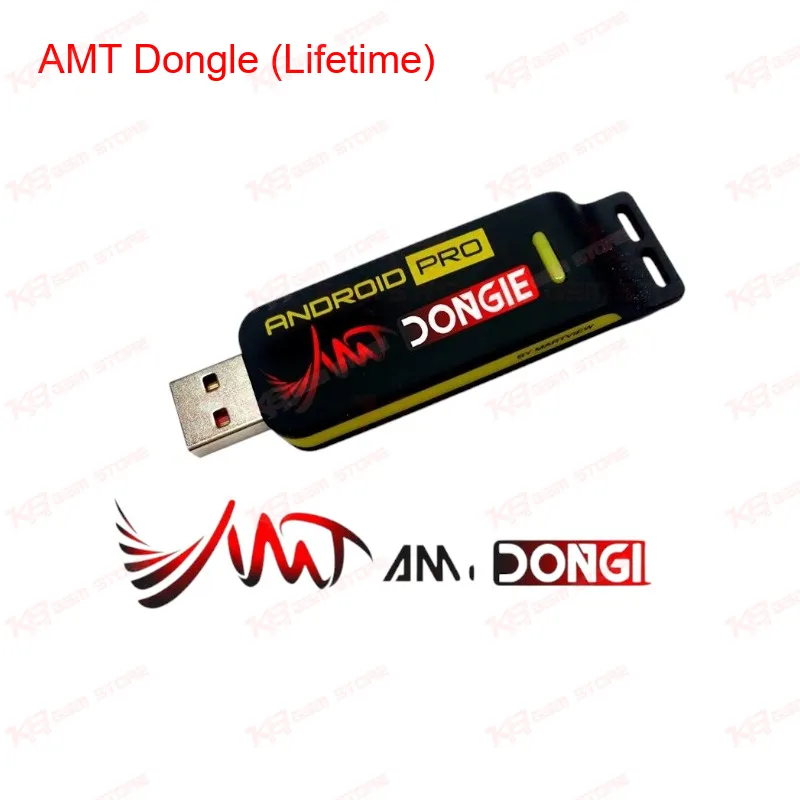
If you run a repair shop and MTK phones make up a big chunk of your daily bookings, the AMT Dongle (Lifetime) earns its spot on your table fast. AMT stands for Android Multi Tool, and this dongle is built specifically around MediaTek chipset workflows — the kind of dead phone, boot loop, and FRP lock jobs that come in every week from Vivo, Xiaomi, Oppo, and other MTK-heavy brands. The core strength of this tool is its Preloader and BROM mode support. When a phone won't boot, won't be detected in normal mode, or is stuck on logo, BROM mode lets you talk to the chipset directly at a low level, before Android even loads. That's the mode you reach for on a truly dead phone after flash, or a board that's gone completely unresponsive. Preloader mode, on the other hand, is your entry point for standard flashing and read/write operations once the device is at least partially communicating.On the eMMC side, the dongle supports reading and flashing the eMMC dump in .bin format. You can pull a full backup from a working board before doing risky operations, or restore a single partition without touching the rest of the dump — useful when you only need to fix one corrupted partition instead of doing a full firmware reflash. That single-partition flashing option saves time on jobs where the fault is isolated, like a bad boot partition, rather than a complete software marna situation. For Huawei and Honor units specifically, the AMT Dongle brings EDL mode support, which matters a lot when you're dealing with hard bricked boards. Whether the phone needs an XML backup restore or a full official update.app write, EDL mode is often the only way back from a board that won't respond to anything else. This is one of the more practical reasons technicians keep this dongle in rotation even when they already own other MTK tools — Huawei/Honor unbrick jobs aren't something every box handles cleanly. FRP lock and pattern unlock jobs are a routine part of any shop's daily queue, and this is where the dongle's automated menu structure helps. Instead of manually hunting for the right combination of steps, you select the operation from the tool's menu and let it run — a big time-saver on a busy day when you've got five phones waiting and only one of them is a complex board-level repair. IMEI repair is also part of the feature set, which comes up often after a bad flash or after replacing a baseband-related component, and having it built into the same dongle means you're not switching between tools mid-job. Because this is the lifetime version, there's no recurring activation fee to track. For a shop running MTK repairs regularly, that removes one more subscription to manage alongside your UFS tools, ISP boxes, and other software dongles already sitting on the bench. Setup is straightforward on Windows, and the interface keeps operations button-based rather than command-line heavy, so a technician new to MTK flashing can get functional on it quickly, while more experienced users still have the depth needed for board-level dead phone jobs. Pair it with your existing UFS or eMMC programmer for the hardware side, and you've got a fairly complete MTK repair workflow covering both software-level fixes and dead board recovery, without needing to bounce between three different tools for one job.