


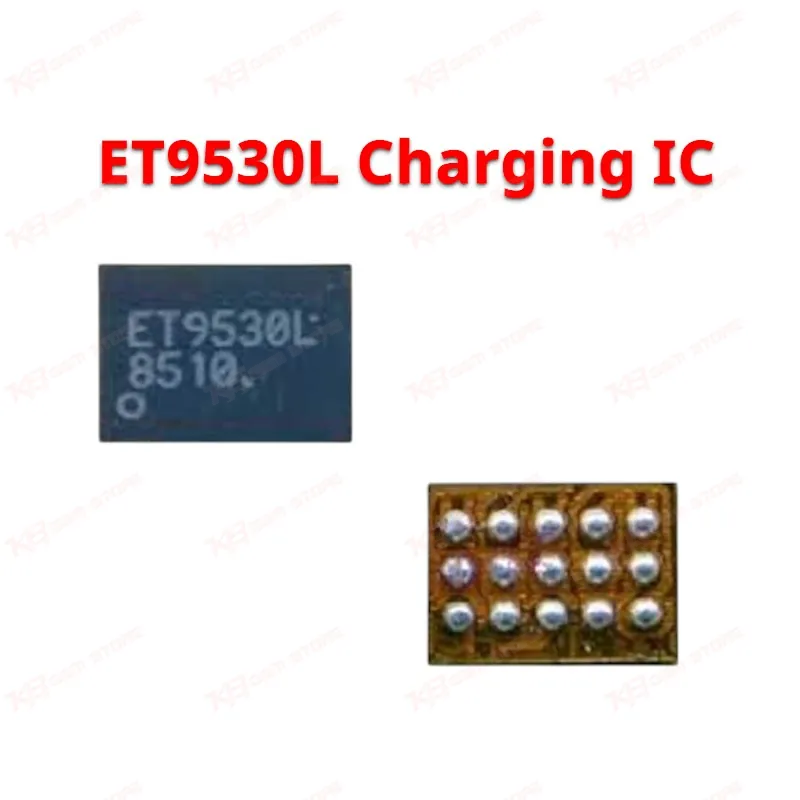
ET9530L Charging IC
ET9530L Charging IC
Regular price
Rs.350.00 PKR
Regular price
Sale price
Rs.350.00 PKR
Shipping calculated at checkout.
Quantity
Couldn't load pickup availability
The ET9530L is an ETEK charging and power management IC used on Samsung motherboards, including the Galaxy J5 Pro (J530F), Galaxy J3 Pro (J330), and Galaxy S7 Edge (G935). It controls battery charging, voltage regulation, and power path switching on the board. Technicians reach for this chip when a phone shows a dead phone symptom, no charging response, slow charging, or charging drops in and out even after the port and battery test fine. KB GSM Store ships tested units suited for board-level reballing and direct IC replacement on your repair bench.
⚖️ Weight: 0.01 kg
SKU:MST-IC-170
- Safe & Secure Payment
- Fast Delivery
- WhatsApp Support


Description
FAQ
What is the product name?
The product name is the ET9530L Charging IC.
What is the brand of this product?
The brand of this product is ETEK (ET).
What is the model of this product?
The model of this product is ET9530L.
What is this product used for?
This IC controls battery charging current and voltage regulation on the motherboard, and technicians use it to fix charging and dead phone issues.
Which devices are compatible with this product?
This product is compatible with Samsung Galaxy J5 Pro (SM-J530F), Galaxy J3 Pro (SM-J330), and Galaxy S7 Edge (SM-G935).
Who should use this product?
This product is suitable for mobile repair technicians, repair shops, service centers, and professional users.
Does the ET9530L come as a bare chip or a full board module?
It ships as a bare BGA chip only — you need hot air rework equipment to remove the old IC and mount the replacement.
Can a bad ET9530L cause a completely dead phone with no charging response at all?
Yes, when this IC fails fully, the board can show zero current draw on the charger, which mimics a dead board fault even though the rest of the motherboard is intact.