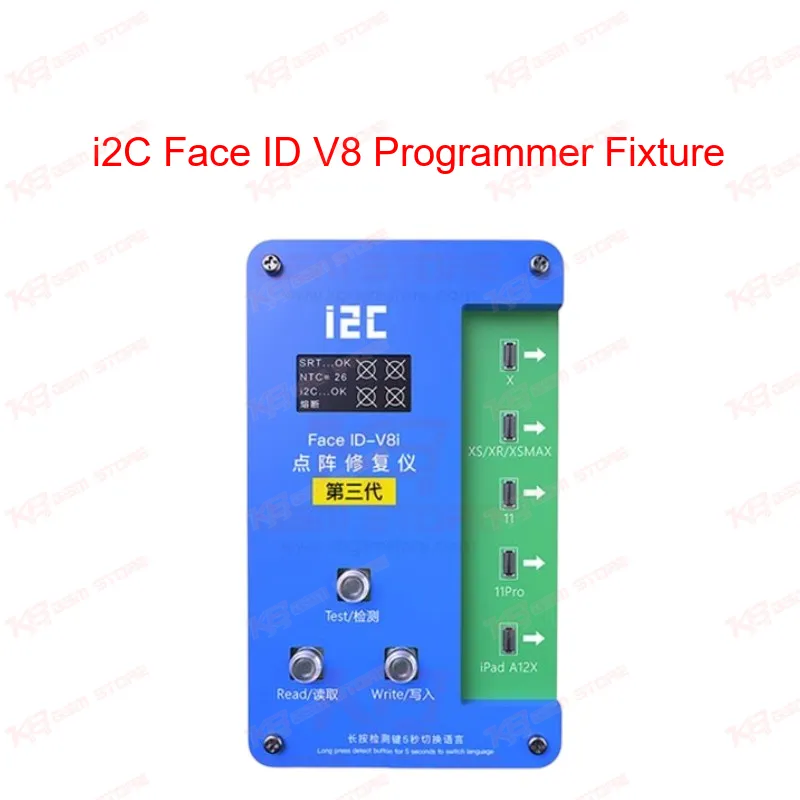
When Face ID stops working on an iPhone, your usual suspects are the dot projector, the flood illuminator, or the encrypted chip tied to that specific unit's data. Before the i2C Face ID V8 came along, fixing this meant desoldering the Face ID chip and attempting a reball — a risky job that damages boards more often than it should. The i2C V8 changes that workflow completely by letting you read the original data straight from the dot matrix flex cable and write it onto a replacement cable, so the phone accepts the new part without triggering an "Unable to Activate Face ID" error. This fixture sits at the center of the offline data transfer method now standard in dot matrix repair. You connect the original flex cable to the machine, run a test to confirm cable condition, then hit read to pull and save the encrypted data. Once that's stored, you connect the new i2C dot projector flex cable, hit write, and the programmer transfers the saved data onto it. No power interruption is allowed mid-process, since a drop during read or write corrupts the saved data and forces you to start over from the original cable if it's still intact. The V8 host runs on burn-free technology, meaning it doesn't attempt to burn new keys into the Face ID IC directly — it works around the encryption by transferring verified data instead. That's a meaningful difference from older iFace tools that required IC-level programming and carried a higher failure rate on Qualcomm-era security chips used across the X to 12 series. Offline reading also means you're not dependent on a live server connection for every job, which matters when your workshop's internet is unreliable or when you're running back-to-back Face ID jobs on a busy bench. The interface gives you a Chinese and English toggle, so language isn't a barrier whether you trained on Chinese repair documentation or English tutorials. Every function — test, read, write — sits on clearly labeled buttons rather than buried in menus, which keeps the learning curve short even for technicians new to dot matrix repair. On the hardware side, this fixture works with the flex cable and IC combos specific to each model generation. Newer third-generation cables need the third-generation V8i host to read and write properly, while older cables remain backward compatible with the newer host. That backward compatibility protects your existing cable stock if you're upgrading from an earlier i2C generation. Within your PCB repair workflow, this tool fits right after your initial diagnostics — once you've confirmed the fault is Face ID dot projector or flood illuminator related and not a display or connector issue, the V8 becomes your next station. It pairs naturally with your microscope for cable alignment, your hot air station for separating the dot projector board from the glass lens, and a fine grinding pen for cutting shielding cover solder joints during disassembly. Technicians handling "Face ID not working," "TrueDepth camera error," or "unable to verify face" complaints on X-series through 12 Pro Max devices will find this fixture solves the majority of hardware-side cases without chip removal.
For a Pakistan repair shop, this tool addresses a job that customers bring in constantly — Face ID stopped working after a screen change, after water damage, or after a failed third-party repair attempt elsewhere. Instead of quoting a board-level repair with reballing charges, you can offer a same-day fix using the flex cable swap method, which keeps turnaround fast and your bench moving to the next job.