


Brand:
MECHANIC
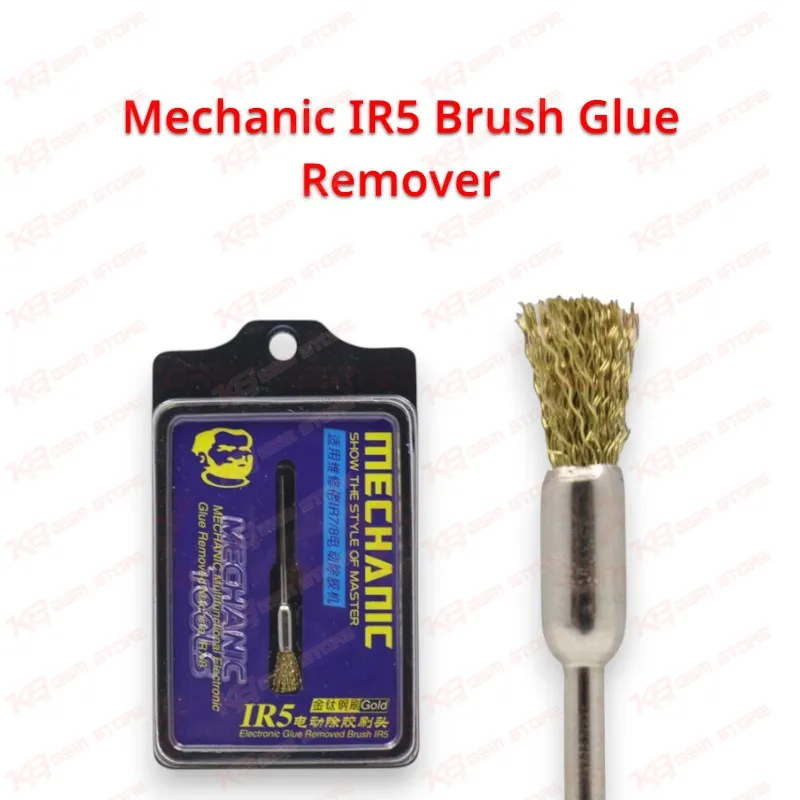
Mechanic IR5 Brush Glue Remover
Mechanic IR5 Brush Glue Remover
Regular price
Rs.1.00 PKR
Regular price
Sale price
Rs.1.00 PKR
Shipping calculated at checkout.
Quantity
Couldn't load pickup availability
The Mechanic IR5 Brush Glue Remover gives your repair bench a dedicated tool for scrubbing underfill glue and leftover residue from motherboard IC pads after chip removal. Technicians reach for it during CPU, eMMC, UFS, and power IC jobs, where hardened underfill sticks around the pads and blocks a clean reball. Pair it with your hot air station to soften the glue first, then work the brush across the area with light pressure to clear residue without dragging pads. It makes a practical, low-cost addition for Pakistani repair shops handling board-level hardware faults every day.
SKU:MST-SOLDERING-TOOLS-314
⚖️ Weight: 0.15 kg
- Safe & Secure Payment
- Fast Delivery
- WhatsApp Support


Description
FAQ
What is the product name?
The product name is Mechanic IR5 Brush Glue Remover.
What is the brand of this product?
The brand of this product is Mechanic.
What is the model of this product?
The model of this product is IR5.
What is this product used for?
This product is used for removing underfill glue and residue from mobile phone motherboard IC pads after chip removal.
Which devices are compatible with this product?
This product is compatible with mobile phone and tablet motherboards in general; it is a universal tool, not device-specific.
Who should use this product?
This product is suitable for mobile repair technicians, repair shops, service centers, and professional users.
Do I need to heat the board before using the Mechanic IR5 Brush Glue Remover?
Yes. Soften the underfill with your hot air station first, then brush the area while the glue stays warm; cold, hardened underfill resists brushing and pushes you toward excess pressure.
Can a glue removal brush damage IC pads on the motherboard?
Heavy pressure can lift pads or disturb small nearby components, so use light sweeping strokes, let heat do the work, and inspect under a microscope as you go.