


Brand:
MECHANIC
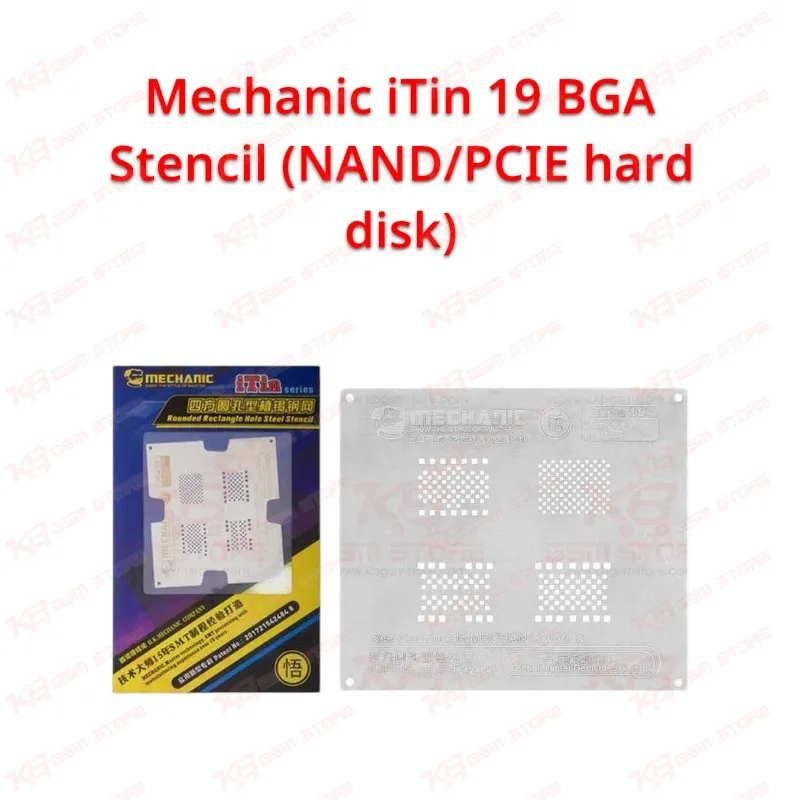
Mechanic iTin 19 BGA Stencil (NAND/PCIE hard disk)
Mechanic iTin 19 BGA Stencil (NAND/PCIE hard disk)
Regular price
Rs.800.00 PKR
Regular price
Sale price
Rs.800.00 PKR
Shipping calculated at checkout.
Quantity
Couldn't load pickup availability
The Mechanic iTin 19 BGA Stencil (NAND/PCIE hard disk) is a dedicated reballing template for the storage chip on Apple iPhone logic boards. When a phone hangs on the logo, fails a restore, or goes dead after a NAND swap, you need clean, even solder balls on the hard disk chip before it goes back on the board. This iTin-series stencil gives you an aperture layout made for NAND/PCIe storage chips, so you can print paste, heat, and get uniform balls without guesswork. It fits naturally into your hot air and reballing workflow for board-level iPhone storage repair in any Pakistani repair shop.
SKU:MST-SOLDERING-TOOLS-270
⚖️ Weight: 0.9 kg
- Safe & Secure Payment
- Fast Delivery
- WhatsApp Support


Description
FAQ
What is the product name?
The product name is Mechanic iTin 19 BGA Stencil (NAND/PCIE hard disk).
What is the brand of this product?
The brand of this product is Mechanic.
What is the model of this product?
The model of this product is iTin 19.
What is this product used for?
This product is used for reballing NAND/PCIe hard disk (storage) chips on Apple iPhone logic boards.
Which devices are compatible with this product?
This product is compatible with Apple iPhone NAND/PCIe hard disk chips covered by the Mechanic iTin series layout.
Who should use this product?
This product is suitable for mobile repair technicians, repair shops, service centers, and professional users.
Can I use solder paste with the Mechanic iTin 19 stencil?
Yes. You place the chip under the matching cutout, spread solder paste across the apertures, and heat with hot air until the balls form, then remove the chip from the stencil.
Do I need a programmer when I replace the NAND chip on an iPhone?
In most cases yes. A replacement or swapped storage chip needs the original board data written to it with a NAND programmer before the phone boots normally; the stencil handles the reballing step only.