


Brand:
MECHANIC
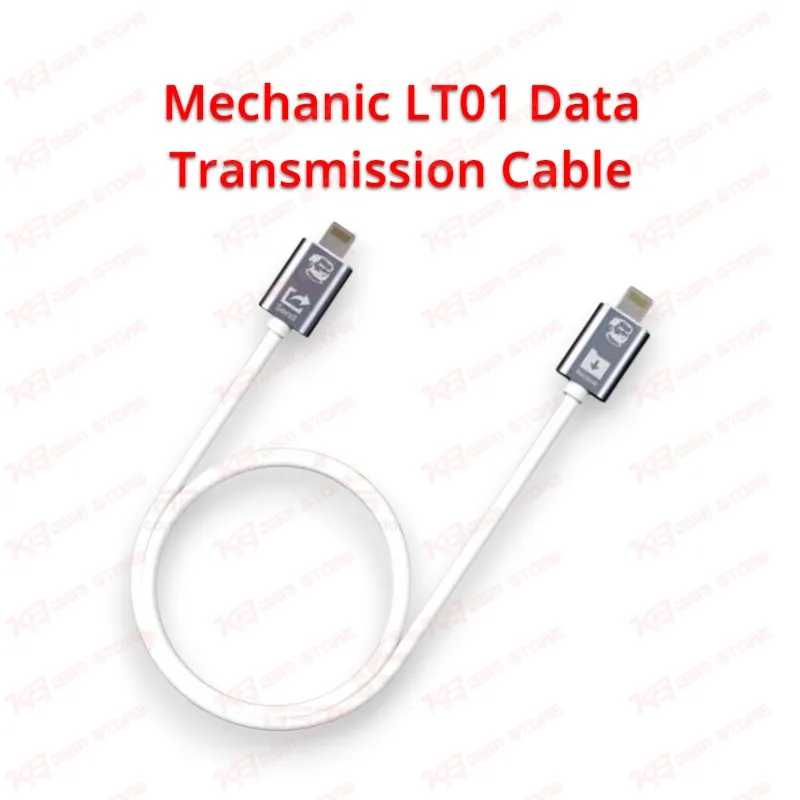
Mechanic LT01 Data Transmission Cable
Mechanic LT01 Data Transmission Cable
Regular price
Rs.800.00 PKR
Regular price
Sale price
Rs.800.00 PKR
Shipping calculated at checkout.
Quantity
Couldn't load pickup availability
The Mechanic LT01 Data Transmission Cable gives your repair counter a direct Lightning to Lightning link for iPhone to iPhone data transfer at up to 480 Mbit per second. Plug the old and new iPhone together, start Quick Start on the new handset, and move photos, contacts, apps and settings without Wi-Fi drops or iCloud storage limits. The 30 cm TPE cable lies flat on your bench and handles daily shop use without cracking near the plugs. It works with iPhone 6 through the iPhone 12 series, Lightning iPads and iPod touch 6 running iOS 12.4 or above, making it a fast, practical data migration tool for repair shops across Pakistan.
SKU:MST-SOLDERING-TOOLS-311
⚖️ Weight: 0.01 kg
- Safe & Secure Payment
- Fast Delivery
- WhatsApp Support


Description
FAQ
What is the product name?
The product name is Mechanic LT01 Data Transmission Cable.
What is the brand of this product?
The brand of this product is MECHANIC.
What is the model of this product?
The model of this product is LT01, listed by Mechanic as LTL01 (Lightning to Lightning).
What is this product used for?
This product is used for direct iPhone to iPhone and iOS device to iOS device data transfer through a Lightning to Lightning connection.
Which devices are compatible with this product?
This product is compatible with iPhone 6 through the iPhone 12 series, Lightning iPad models and iPod touch 6 running iOS 12.4 or above.
Who should use this product?
This product is suitable for mobile repair technicians, repair shops, service centers, and professional users.
Can the Mechanic LT01 cable recover data from a dead iPhone?
No. Both iPhones must power on and boot normally. A dead phone, a shorted board or a handset stuck on the Apple logo needs board-level recovery with ISP tools or NAND programming instead.
Does the transfer work if the new iPhone is already set up?
Not directly. The receiving iPhone must sit on the setup screen, so you erase it through Settings > General > Reset > Erase All Content and Settings, then start Quick Start and choose the cable transfer.
Does this cable work with iPhone 15 or newer USB-C models?
No. The LT01 has Lightning plugs on both ends. For USB-C iPhones, use the Mechanic CTL02 (Type-C to Lightning) or CTC03 (Type-C to Type-C) version.