


MT6190MV IC IF Amplifier IC
MT6190MV IC IF Amplifier IC
Regular price
Rs.350.00 PKR
Regular price
Sale price
Rs.350.00 PKR
Shipping calculated at checkout.
Quantity
Couldn't load pickup availability
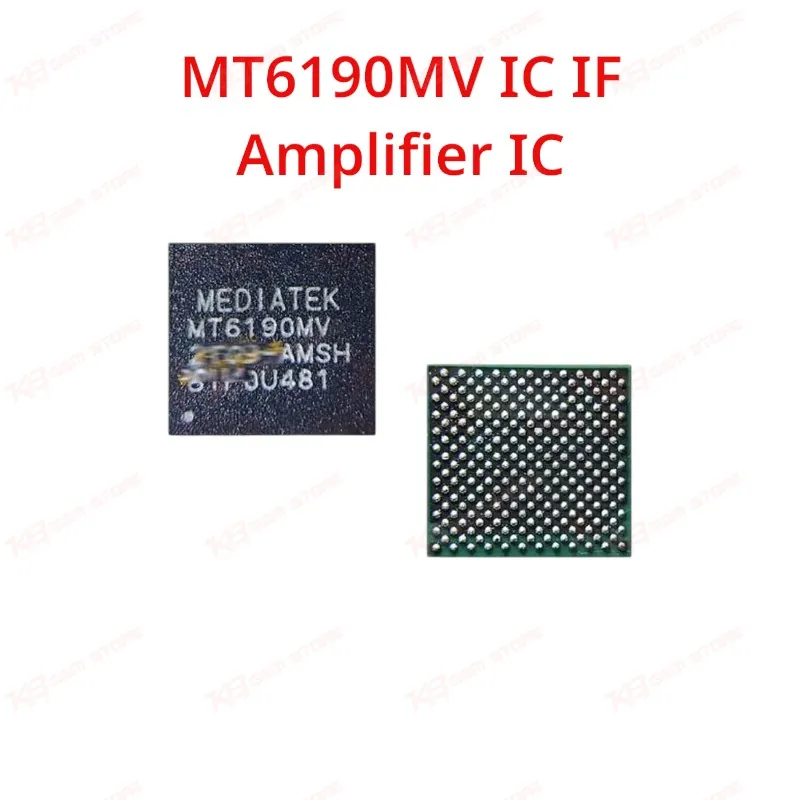
he MT6190MV is a MediaTek Intermediate Frequency (IF) Amplifier IC used in the RF signal chain of MediaTek-based mobile phones. Technicians use this IC to resolve network issues, weak signal reception, and no-signal faults linked to the RF/IF section of the board. Supplied as a BGA package IC, it's a direct replacement part for boards where the original MT6190MV has failed, corroded, or was damaged during a previous repair attempt. A reliable pick for GSM repair shops handling network and signal complaints on MediaTek chipset devices.
⚖️ Weight: 0.01 kg
SKU:MST-IC-253
- Safe & Secure Payment
- Fast Delivery
- WhatsApp Support


Description
FAQ
What is the product name?
The product name is MT6190MV IC IF Amplifier IC.
What is the brand of this product?
The brand of this product is MediaTek.
What is the model of this product?
The model of this product is MT6190MV.
What is this product used for?
This product is used to replace a faulty IF amplifier IC in the RF signal chain of MediaTek-based mobile phones, typically for network and signal-related faults.
Which devices are compatible with this product?
This product is compatible with MediaTek chipset-based mobile phones that use this specific IC on their RF/IF section; exact device models should be confirmed against the board's original IC marking.
Who should use this product?
This product is suitable for mobile repair technicians, GSM repair shops, service centers, and professional board-level repair engineers.
Can a no-network or weak-signal issue be fixed by replacing the MT6190MV?
Yes, if diagnosis confirms the fault sits on the IF amplifier stage rather than the antenna, SIM tray, or baseband software, replacing this IC resolves the network and signal issue.
What rework method is required to replace the MT6190MV IC?
This IC comes in a BGA package, so it requires hot air reballing and reflow rather than manual soldering iron work.