


Brand:
RF4
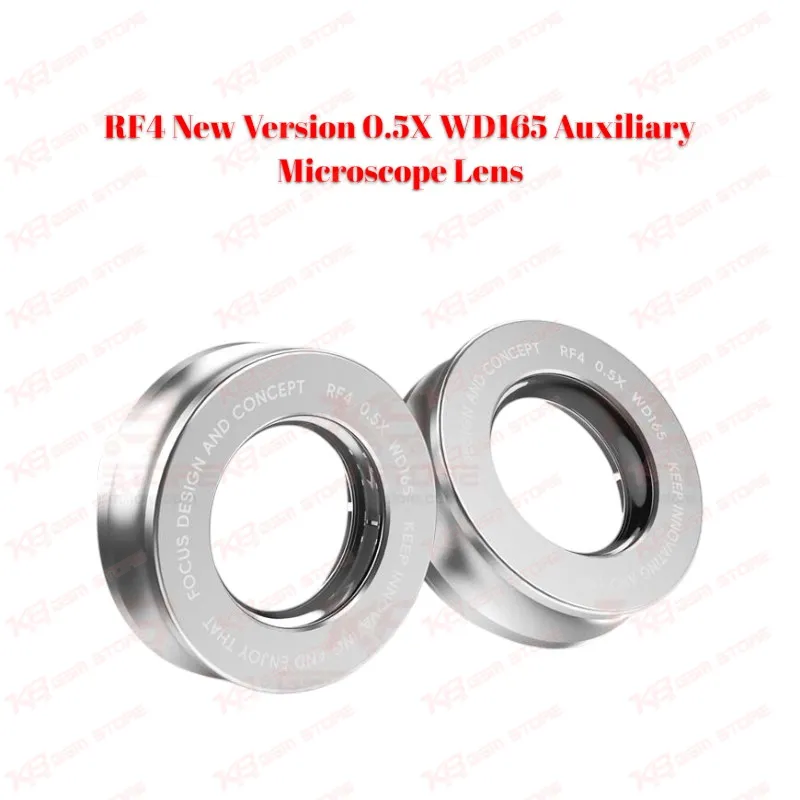
RF4 New Version 0.5X WD165 Auxiliary Microscope Lens
RF4 New Version 0.5X WD165 Auxiliary Microscope Lens
Regular price
Rs.3,500.00 PKR
Regular price
Sale price
Rs.3,500.00 PKR
Shipping calculated at checkout.
Quantity
Couldn't load pickup availability
The RF4 New Version 0.5X WD165 Auxiliary Microscope Lens screws onto the 48mm objective thread of your stereo zoom microscope and extends the working distance to about 165mm. You get more clearance between the lens and the PCB, a wider field of view, and room to use a hot air nozzle, soldering iron, and tweezers without hitting the microscope head. The metal body and glass optics give you a stable, clear image for BGA work, IC replacement, and fine jumper wiring. For repair shops running binocular or trinocular microscopes, this Barlow lens turns a cramped microscope setup into a comfortable rework bench.
⚖️ Weight: 0.15 kg
SKU:MST-MICROSCOPES-117
- Safe & Secure Payment
- Fast Delivery
- WhatsApp Support


Description
FAQ
What is the product name?
The product name is RF4 New Version 0.5X WD165 Auxiliary Microscope Lens.
What is the brand of this product?
The brand of this product is RF4.
What is the model of this product?
The model of this product is 0.5X WD165 (New Version).
What is this product used for?
This product is used for increasing the working distance and widening the field of view of a stereo zoom microscope during mobile and PCB repair.
Which devices are compatible with this product?
This product is compatible with stereo zoom microscopes that use a 48mm (1-7/8 inch) objective mounting thread, both binocular and trinocular.
Who should use this product?
This product is suitable for mobile repair technicians, repair shops, service centers, and professional users.
Does the 0.5X lens increase or reduce microscope magnification?
It reduces it by half. The lens multiplies your microscope's total magnification by 0.5, so a 7X–45X zoom range becomes roughly 3.5X–22.5X, while working distance increases to about 165mm.
Do I need to adjust my microscope stand after installing this lens?
Yes. The focal point moves higher, so you raise the microscope head on its stand or boom arm to focus at around 165mm above the board. Confirm your stand has enough vertical travel before buying.