


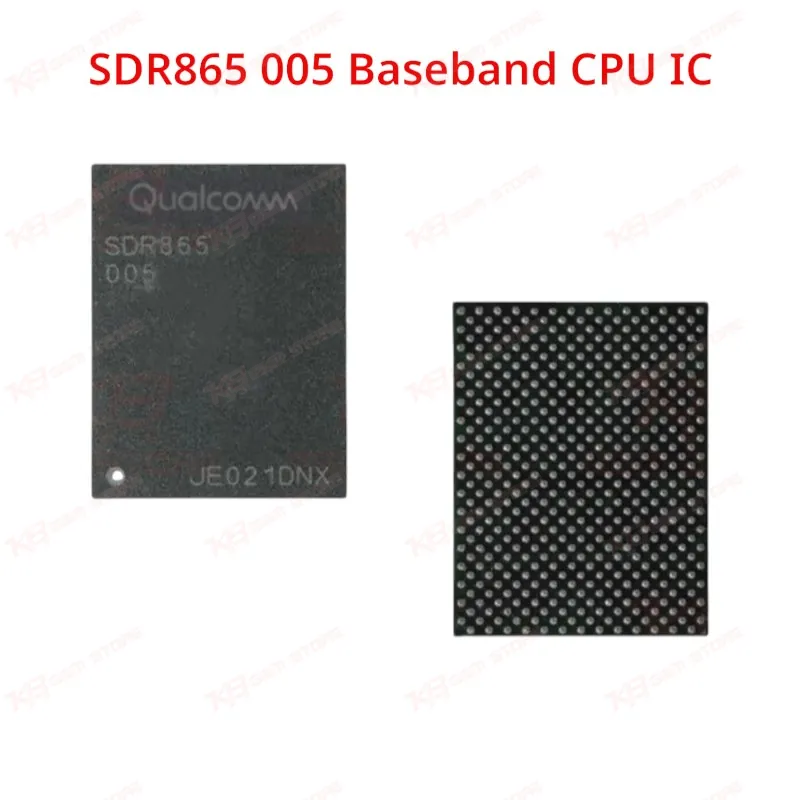
SDR865 005 Baseband CPU IC
SDR865 005 Baseband CPU IC
Regular price
Rs.250.00 PKR
Regular price
Sale price
Rs.250.00 PKR
Shipping calculated at checkout.
Quantity
Couldn't load pickup availability
The SDR865-005 is the Qualcomm RF transceiver IC used on iPhone 12, 12 mini, 12 Pro, and 12 Pro Max logic boards. It works alongside the SDX55 modem to handle 5G and LTE signal transmission. Technicians use this BGA chip to resolve no service, no signal, and network-drop faults caused by a damaged or corroded transceiver. Order genuine SDR865-005 stock from KB GSM Store for reliable board-level iPhone 12 repairs across Lahore, Karachi, and Islamabad.
⚖️ Weight: 0.01 kg
SKU:MST-IC-205
- Safe & Secure Payment
- Fast Delivery
- WhatsApp Support


Description
FAQ
What is the product name?
The product name is SDR865-005 Baseband RF Transceiver IC.
What is the brand of this product?
This is a Qualcomm-designed RF transceiver chip.
What is the model of this product?
The model is SDR865-005.
What is this product used for?
This IC handles RF signal transmission and reception for cellular network connectivity on the iPhone 12 series logic board.
Which devices are compatible with this product?
This IC is compatible with iPhone 12, iPhone 12 mini, iPhone 12 Pro, and iPhone 12 Pro Max only.
Who should use this product?
This product is suitable for mobile repair technicians, repair shops, service centers, and professional GSM technicians.
Does this chip fix no service issues on iPhone 12?
Yes, when the fault is confirmed as a transceiver or RF-line failure rather than a damaged antenna or coax connector, replacing this IC restores network registration.
Is SDR865-005 compatible with iPhone 13 or Android boards?
No, iPhone 13 uses the SDR868 chip and this part does not match Android board pinouts; using it outside the iPhone 12 series will not resolve signal faults.