


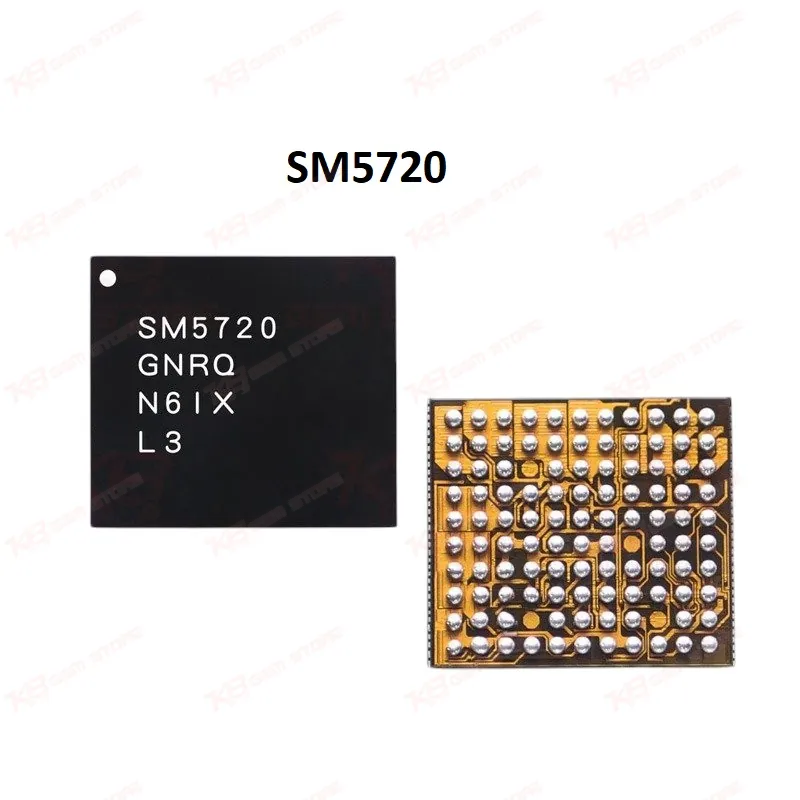
SM5720 Power IC Samsung S8 Note 8 Charging IC
SM5720 Power IC Samsung S8 Note 8 Charging IC
Regular price
Rs.300.00 PKR
Regular price
Sale price
Rs.300.00 PKR
Shipping calculated at checkout.
Quantity
Couldn't load pickup availability
The SM5720 is a genuine Samsung baseband PMIC used across the Galaxy S8, S8+, and Note 8 logic boards. It regulates baseband power delivery, keeping the modem section stable during network operation. Technicians reach for this IC when a board shows no network, unstable signal, or a completely dead baseband after a fall, liquid exposure, or a bad flash. Replacing a faulty SM5720 restores the voltage rails the baseband processor depends on, without touching the main AP or CPU circuit. Supplied new and unused, ready for BGA-level reballing and reflow on your existing hot air or infrared rework setup.
⚖️ Weight: 0.01 kg
SKU:MST-IC-25
- Safe & Secure Payment
- Fast Delivery
- WhatsApp Support


Description
FAQ
What is the product name?
The product name is the SM5720 Baseband Power IC.
What is the brand of this product?
The brand of this product is Samsung Semiconductor.
What is the model of this product?
The model of this product is SM5720.
What is this product used for?
This product is used to restore baseband power delivery on Samsung logic boards affected by no-network, unstable signal, or dead-baseband faults.
Which devices are compatible with this product?
This product is compatible with the Samsung Galaxy S7, Galaxy S8 (G950F), Galaxy S8+ (G955F), and Galaxy Note 8.
Who should use this product?
This product is suitable for mobile repair technicians, repair shops, service centers, and professional GSM technicians.
Does replacing the SM5720 fix a null or invalid IMEI on Galaxy S8 boards?
Yes, if the fault is confirmed as baseband power-related and not a corrupted EFS partition, replacing the SM5720 restores the voltage the baseband processor needs to register the IMEI correctly.
Can a faulty SM5720 also cause charging problems on Note 8 boards?
Yes, since some of its power rails overlap with the charging management circuit, a failing SM5720 can produce charging irregularities alongside the primary network fault.