


Airtech Battery Tag-On 13/13mini
Airtech Battery Tag-On 13/13mini
Regular price
Rs.399.00 PKR
Regular price
Sale price
Rs.399.00 PKR
Shipping calculated at checkout.
Quantity
Couldn't load pickup availability
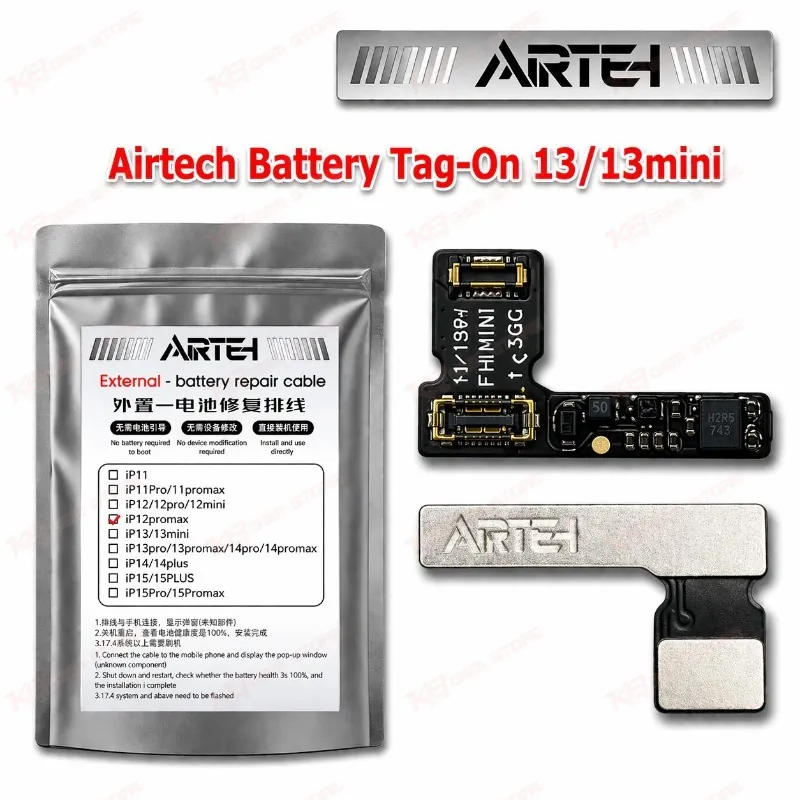
Airtech Battery Tag-On 13/13mini for iPhone 13 Battery Replacement The Airtech Battery Tag-On 13/13mini is a battery tag-on flex for the iPhone 13 and iPhone 13 mini. You use it when you change a battery and want the phone to keep reading it properly, without the “unknown part” message and the missing battery health figure. Your repair bench gets a cleaner battery job and fewer customer complaints after delivery. Mobile repair shops across Pakistan handle iPhone 13 battery replacements every week, and this flex helps you finish them with a cell-only battery. KB GSM Store stocks the Airtech Battery Tag-On 13/13mini for technicians who want a dependable, repeatable battery workflow.
SKU:MST-SOLDERING-TOOLS-1118
⚖️ Weight: 0.01 kg
- Safe & Secure Payment
- Fast Delivery
- WhatsApp Support


Description
FAQ
What is the product name?
The product name is Airtech Battery Tag-On 13/13mini.
What is the brand of this product?
The brand of this product is Airtech.
What is the model of this product?
The model of this product is Battery Tag-On 13/13mini.
What is this product used for?
This product is used as a battery tag-on flex when you replace the battery in an iPhone 13 or iPhone 13 mini.
Which devices are compatible with this product?
This product is compatible with the Apple iPhone 13 and iPhone 13 mini.
Who should use this product?
This product is suitable for mobile repair technicians, repair shops, service centers, and professional users.
Can I use the Airtech Battery Tag-On 13/13mini on iPhone 13 Pro or 13 Pro Max?
The listed scope is the iPhone 13 and iPhone 13 mini. Do not assume it fits the Pro models, and confirm before you use it on any other device.
Why does an iPhone 13 show a battery warning after a plain battery change?
The phone checks the battery’s identity data. A tag-on flex carries that data, so it helps you avoid the unknown part message that follows a plain cell swap.