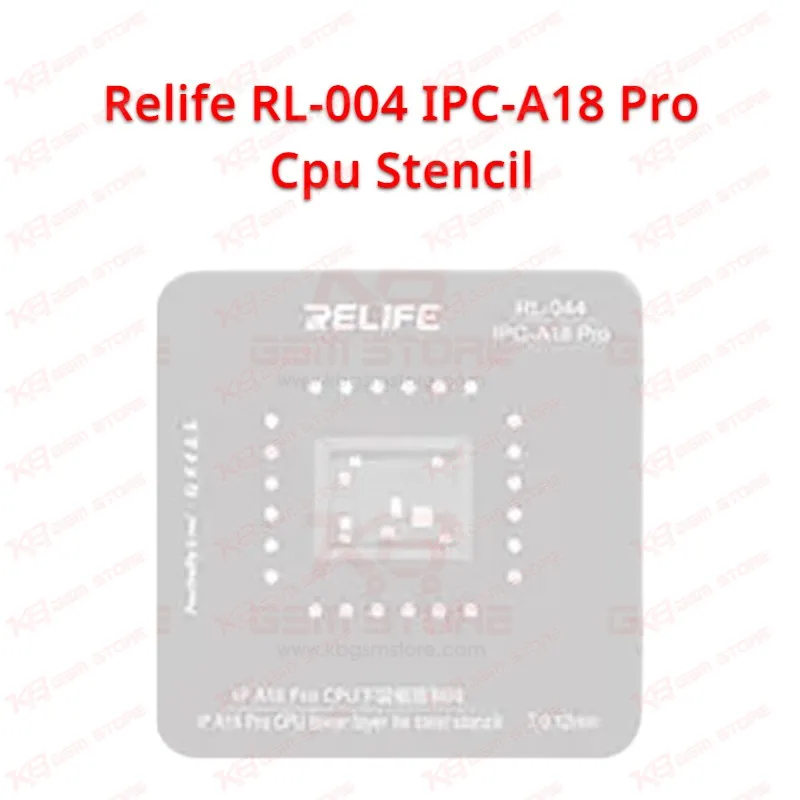
When you're reballing an A18 or A18 Pro CPU on an iPhone 16 board, pad spacing gives you almost no margin for error, and that's exactly where the Relife RL-044 IPC-A18 Pro stencil earns its place on your bench — its 0.12mm stainless steel body is laser-cut to match the exact ball-grid layout of the A18/A18 Pro package, so you place the stencil over the IC footprint, drop your solder paste or preformed balls through the apertures, and reflow without fighting misaligned pads or bridging between contacts. You'll notice the stainless steel holds its shape better than the cheaper aluminum stencils floating around the market; it doesn't warp after your first few passes under the hot air station, which matters when you're doing back-to-back reballing jobs and can't afford to swap tools mid-shift. Technicians dealing with dead-after-flash boards, boot loop issues, or CPU-related hang-on-logo faults on iPhone 16, 16 Plus, 16 Pro, and 16 Pro Max units reach for this stencil because the CPU is often the first suspect once software troubleshooting rules out a straightforward flash or FRP lock problem — if the board still won't boot after a clean flash and your diagnostics point to the processor, reballing with a properly matched stencil is the next logical step before you consider a full IC change. The 0.12mm thickness isn't arbitrary either; it's the balance point the industry settled on for iPhone-scale BGA work, thin enough to release solder cleanly from the apertures but thick enough to deposit a workable paste volume without excessive bridging risk. You'll want a stable board holder or PCB fixture under the stencil while you work, since even slight movement during paste application throws off alignment on a pitch this tight, and pairing it with a soldering station or hot air rework tool that gives you consistent, even heat protects both the new balls and the surrounding components from thermal stress. This isn't a universal stencil, and that's the point — Relife builds it specifically for the A18/A18 Pro footprint, so don't try stretching it across other Apple chipsets like the A17 Pro on iPhone 15 Pro boards, since even a small pinout or pitch difference between generations pushes your bridging risk up significantly and wastes both your solder and your time. In your workflow, this stencil sits between board-level diagnostics and final reassembly: you isolate the CPU as the fault, remove the old IC or clean the existing pads, mount the RL-044 stencil, apply paste, reflow, then move to continuity testing before you close up the board. Keep it stored flat rather than folded or stacked under heavier tools, because a bent stencil no longer sits flush against the board and that alone can ruin an otherwise clean reballing job. For repair shops and service centers handling volume iPhone 16 work, having a dedicated, verified stencil like the Relife RL-044 IPC-A18 Pro on hand cuts your prep time per job and keeps your reballing results consistent across technicians on the same bench, rather than each person eyeballing pad alignment differently.