


Brand:
YCS
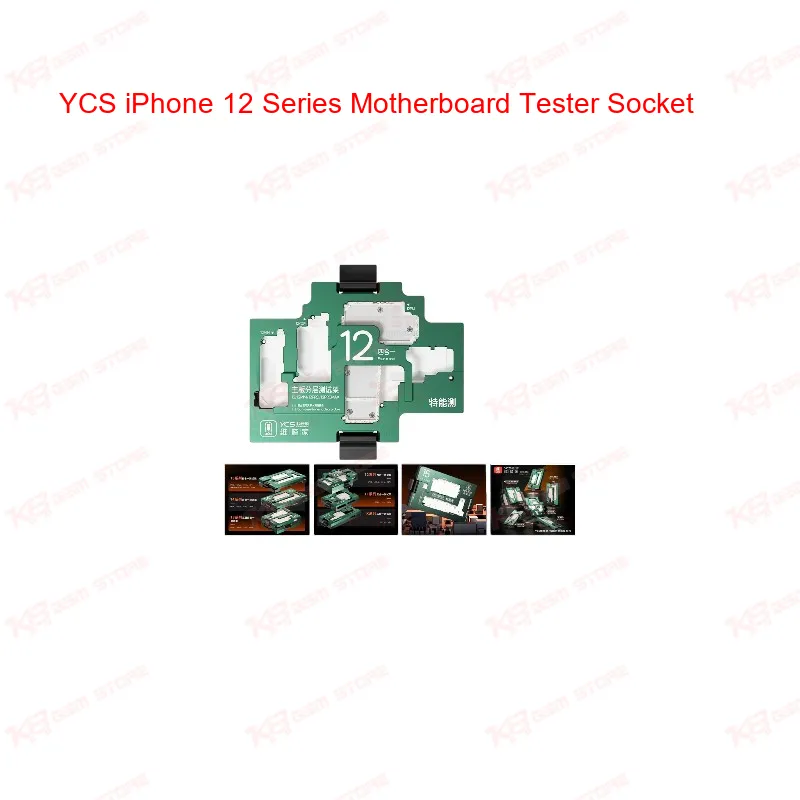
YCS iPhone 12 Series Motherboard Tester Socket
YCS iPhone 12 Series Motherboard Tester Socket
Regular price
Rs.32,000.00 PKR
Regular price
Sale price
Rs.32,000.00 PKR
Shipping calculated at checkout.
Quantity
Couldn't load pickup availability
The YCS iPhone 13 Series Motherboard Tester Socket is a middle layer test platform built for technicians who repair the upper and lower board stack on iPhone 13, 13 Mini, 13 Pro, and 13 Pro Max. You connect the split motherboard through the iSocket pins and test functions like RF signal, baseband, and power before putting the board back together. This saves you from reassembling a phone twice just to check if a repair worked. Precision-aligned pins protect your board pads from wear during repeated testing, and the mid-level RF function lets you catch signal-related faults early. Built for daily bench use in a busy repair shop.
SKU:MST-SOCKET-17
⚖️ Weight: 0.4 kg
- Safe & Secure Payment
- Fast Delivery
- WhatsApp Support


Description
FAQ
What is the product name?
The product name is YCS iPhone 13 Series Motherboard Tester Socket.
What is the brand of this product?
The brand of this product is YCS.
What is this product used for?
This product is used for testing an iPhone 13 series motherboard's upper and lower board connection after middle layer repairs, without reassembling the phone.
Which devices are compatible with this product?
This product is compatible with iPhone 13, iPhone 13 Mini, iPhone 13 Pro, and iPhone 13 Pro Max.
Who should use this product?
This product is suitable for mobile repair technicians, repair shops, service centers, and professional users.
Does this tester support RF and baseband diagnostics?
Yes, it includes mid-level RF function, so you can check baseband and signal-related faults directly through the socket before reassembly.
Can I use one socket for all iPhone 13 variants?
Yes, the socket covers iPhone 13, 13 Mini, 13 Pro, and 13 Pro Max on a single platform, so you don't need separate fixtures per model.