


Brand:
YCS
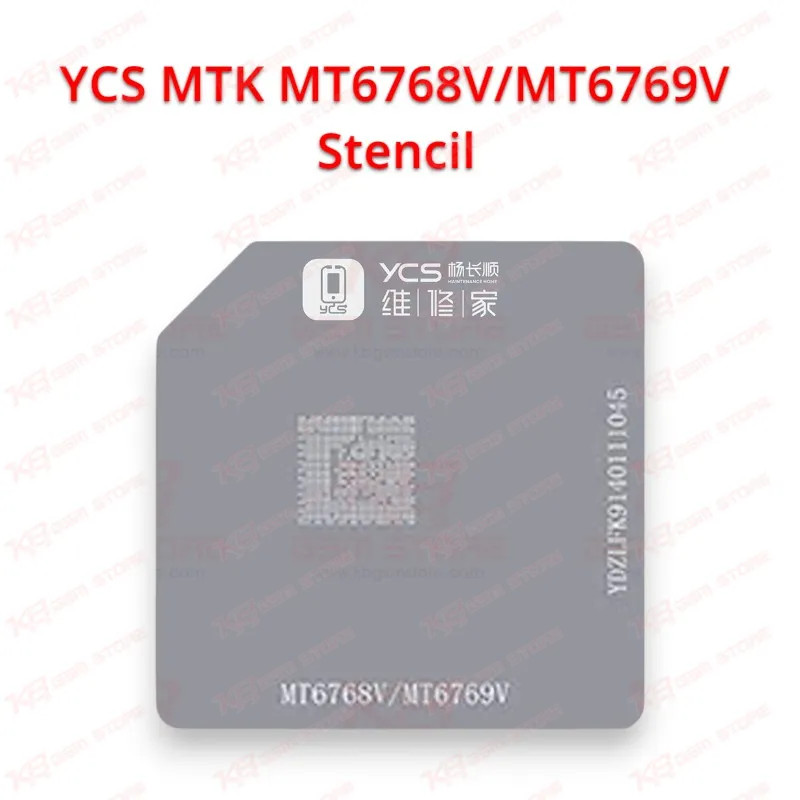
YCS MTK MT6768V/MT6769V Stencil
YCS MTK MT6768V/MT6769V Stencil
Regular price
Rs.400.00 PKR
Regular price
Sale price
Rs.400.00 PKR
Shipping calculated at checkout.
Quantity
Couldn't load pickup availability
YCS MTK MT6768V/MT6769V Stencil for MediaTek CPU Reballing
The YCS MTK MT6768V/MT6769V Stencil gives you an exact ball pattern for reballing MediaTek MT6768V and MT6769V CPUs on your repair bench. When a phone comes in dead, stuck in a boot loop, or hanging on logo because of cracked CPU joints, this stencil helps you rebuild even solder balls on the chip before you seat it back on the board. Accurate apertures keep the balls from bridging, so you get a flat seat and a clean reflow. It suits Pakistani repair shops and hardware technicians who handle MediaTek board-level repairs every day.
SKU:MST-SOLDERING-TOOLS-979
⚖️ Weight: 0.01 kg
- Safe & Secure Payment
- Fast Delivery
- WhatsApp Support


Description
FAQ
What is the product name?
The product name is YCS MTK MT6768V/MT6769V Stencil.
What is the brand of this product?
The brand of this product is YCS.
What is the model of this product?
The model of this product is MTK MT6768V/MT6769V Stencil.
What is this product used for?
This product is used for BGA reballing of MediaTek MT6768V and MT6769V CPUs during board-level mobile repair.
Which devices are compatible with this product?
This product is compatible with MediaTek MT6768V and MT6769V CPUs and the phones and tablets built on them.
Who should use this product?
This product is suitable for mobile repair technicians, repair shops, service centers, and professional users.
How do I know whether my phone uses an MT6768V or MT6769V CPU?
Remove the shield and read the part number printed on top of the processor; MediaTek marks the model on the package, and it must match the stencil before you reball.
Can I reball an MT6769V CPU with solder paste using this stencil?
Yes. Align the stencil over the cleaned chip, spread a thin layer of solder paste through the apertures, heat evenly with hot air until round balls form, then let it cool before you lift the stencil.