


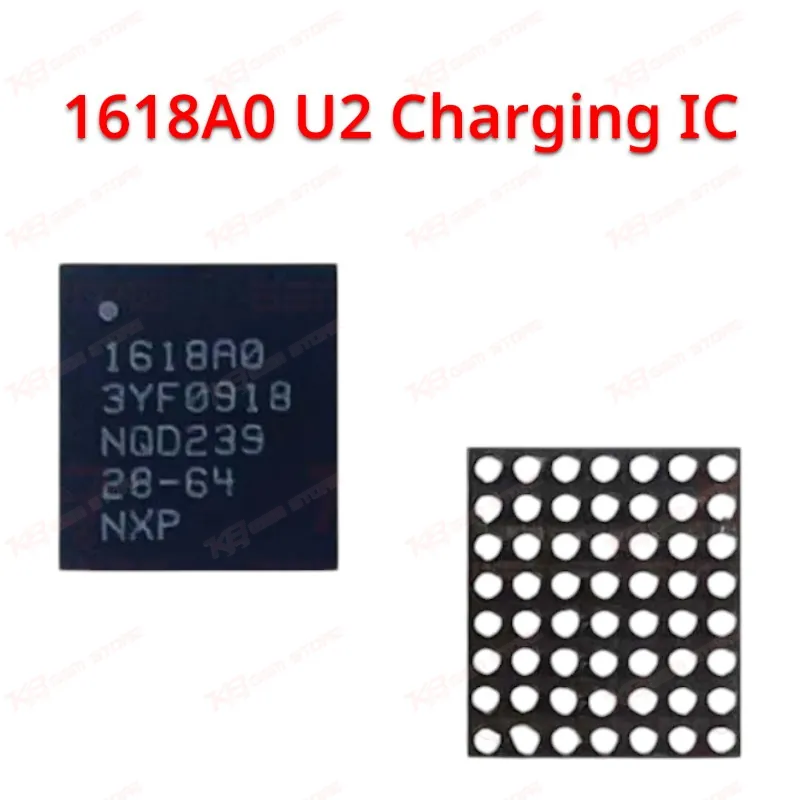
1618A0 U2 Charging IC
1618A0 U2 Charging IC
Regular price
Rs.600.00 PKR
Regular price
Sale price
Rs.600.00 PKR
Shipping calculated at checkout.
Quantity
Couldn't load pickup availability
The 1618A0 U2 Tristar charging IC controls USB power delivery and charging communication on iPhone 14, 14 Plus, 14 Pro, and 14 Pro Max logic boards. When this IC fails, you get a dead phone that won't charge, a device stuck at 1% battery, or intermittent charging that drops the moment you move the cable. GSM technicians use this chip for board-level charging port repair, replacing burnt or shorted U2 ICs after liquid damage, and resolving "charging issue" complaints that survive a cable, adapter, and battery swap. Reflow with hot air or reball on a dedicated station, then test with a known-good cable before reassembly.
⚖️ Weight: 0.01 kg
SKU:MST-IC-294
- Safe & Secure Payment
- Fast Delivery
- WhatsApp Support


Description
FAQ
What is the product name?
The product name is the 1618A0 U2 Tristar Charging IC.
What is the brand of this product?
This is an Apple-spec, OEM-equivalent aftermarket board component.
What is the model of this product?
The model is 1618A0.
What is this product used for?
It replaces the failed U2 Tristar charging IC responsible for charging detection and communication on the board.
Which devices are compatible with this product?
It fits iPhone 14, iPhone 14 Plus, iPhone 14 Pro, and iPhone 14 Pro Max.
Who should use this product?
Mobile repair technicians, repair shop owners, and service centers doing board-level iPhone repair.
Does the 1618A0 differ from the 1616A0 used on iPhone 13?
Yes, each iPhone generation uses its own Tristar variant; the 1616A0 fits iPhone 13 series while the 1618A0 fits iPhone 14 series only, and the two aren't interchangeable.
Can this IC fix a dead phone with a shorted charging line after liquid damage?
It can, provided the board's charging line short traces back to the U2 footprint itself; confirm with continuity testing first, since surrounding corrosion can cause similar symptoms without IC failure.