


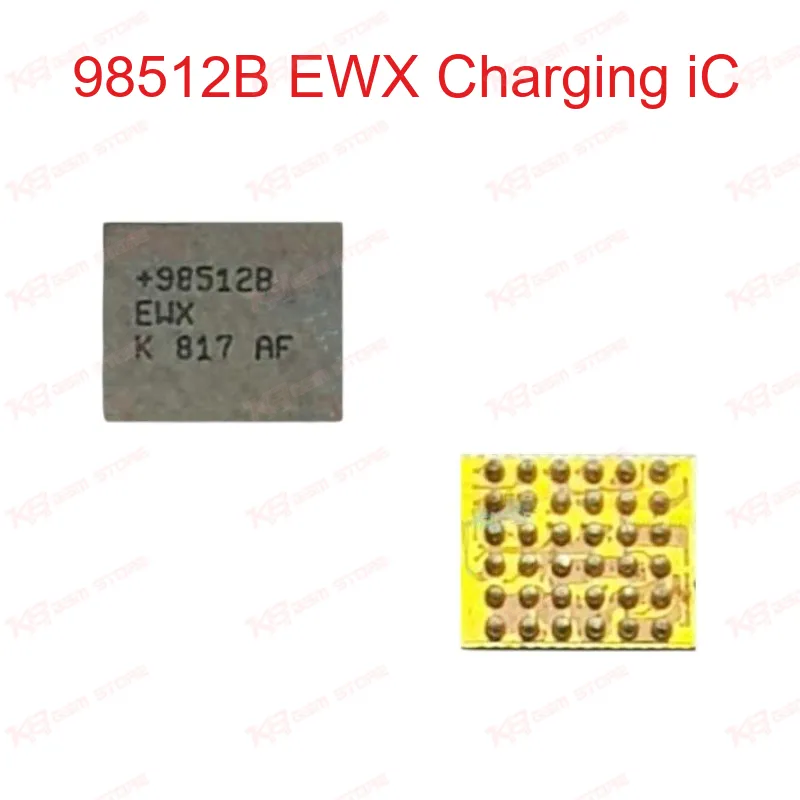
98512B EWX Charging iC
98512B EWX Charging iC
Regular price
Rs.600.00 PKR
Regular price
Sale price
Rs.600.00 PKR
Shipping calculated at checkout.
Quantity
Couldn't load pickup availability
The 98512B EWX charging IC replaces the faulty charge-control chip on Samsung S9, S9+, and Note 9 boards. Technicians reach for this part when a phone shows dead charging, charging IC short, or "charging issue" after liquid damage or a bad jumper. It handles the charge-management function between the USB port and battery circuit. Reballing and precise BGA soldering give the best result, so a hot air station and flux are needed alongside a microscope for placement accuracy. Stock this IC for your Samsung repair bench and cut down dead-after-flash charging complaints.
⚖️ Weight: 0.01 kg
SKU:MST-IC-367
- Safe & Secure Payment
- Fast Delivery
- WhatsApp Support


Description
FAQ
What is the product name?
The product name is 98512B EWX Charging IC.
What is the brand of this product?
This is a MAX98512-family charging IC used on Samsung boards.
What is the model of this product?
The model is 98512B EWX.
What is this product used for?
It is used to repair dead or faulty charging faults on Samsung Galaxy S9, S9+, and Note 9 boards.
Which devices are compatible with this product?
It is compatible with Samsung Galaxy S9, S9+, and Note 9 (G960F, G960U, G965F, G965U boards).
Who should use this product?
This product is suitable for mobile repair technicians, repair shops, service centers, and professional users.
Does this IC work across both Exynos and Snapdragon S9 boards?
Yes, the 98512B EWX shares the same footprint across Exynos and Snapdragon variants of the S9 and S9+.
Can a bad 98512B cause a phone to appear dead after flash?
Yes, a failed charging IC can leave a board unresponsive until current is restored, which technicians often see as a dead-after-flash symptom.