


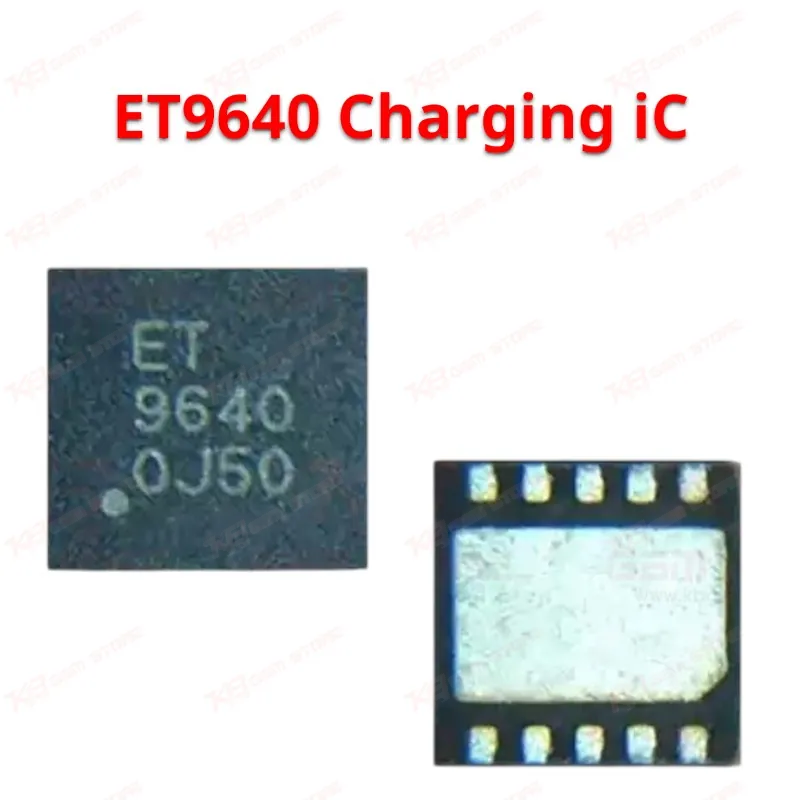
ET9640 Charging iC
ET9640 Charging iC
Regular price
Rs.400.00 PKR
Regular price
Sale price
Rs.400.00 PKR
Shipping calculated at checkout.
Quantity
Couldn't load pickup availability
The ET9640 is a QFN10 charging IC from EREK, built for board-level repair on Samsung Galaxy charging circuits. Technicians reach for this chip when a phone shows a dead charging port, slow charging, battery not increasing, overheating during charge, or a complete non-charging fault. It supports models including the Galaxy A7, A31, A21s, A52, M12, A25, and A52s, depending on the specific board revision. The compact QFN10 footprint fits directly onto the original PCB pad layout, so you get a clean swap without reworking the board design. Stock a few of these on your bench, and charging-related callbacks on these Samsung models drop noticeably.
⚖️ Weight: 0.01 kg
SKU:MST-IC-307
- Safe & Secure Payment
- Fast Delivery
- WhatsApp Support


Description
FAQ
What is the product name?
The product name is ET9640 Charging IC.
What is the brand of this product?
The brand of this product is EREK.
What is the package type of this IC?
The ET9640 comes in a QFN10 package.
What is this product used for?
This IC controls charging function on compatible Samsung Galaxy boards and gets replaced when a board shows charging faults.
Which devices are compatible with this product?
The ET9640 is used on Samsung Galaxy A7, A31, A21s, A52, M12, A25, and A52s boards, depending on the board revision.
Who should use this product?
This IC is suited for mobile repair technicians, repair shops, and service centers performing board-level Samsung charging repairs.
Does the ET9640 fix a phone that shows charging but never increases percentage?
Yes, a failing ET9640 commonly causes a charging icon to appear with no real percentage increase, and replacing the IC resolves this in most cases where the port and battery test good.
What tools do I need to replace the ET9640 IC?
You need a hot air rework station with fine temperature control, a microscope for QFN pad alignment, solder paste or leaded solder for reflow, and a multimeter to check the charging line before and after the repair.