


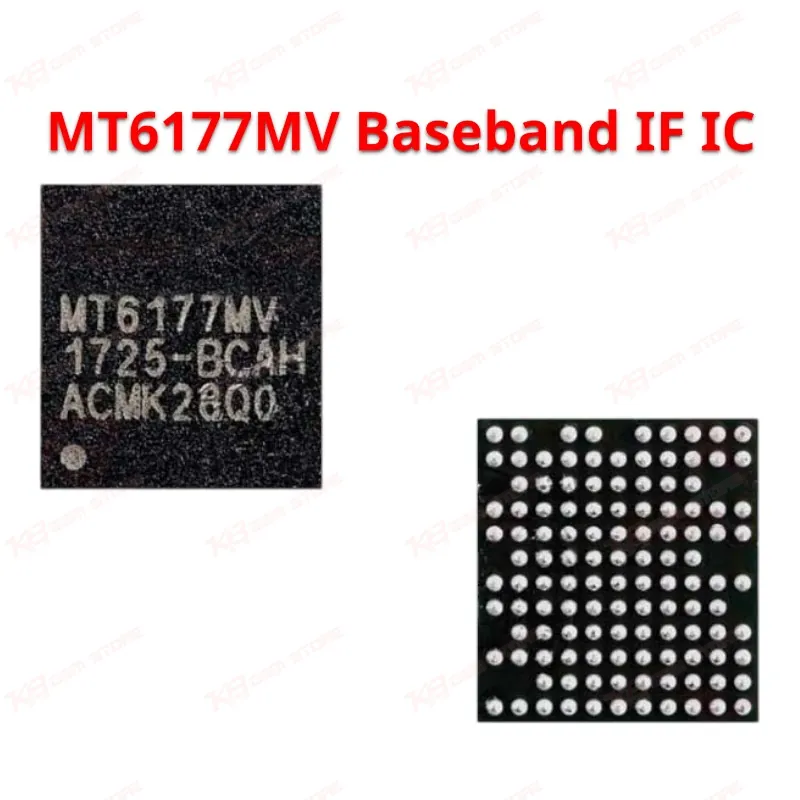
MT6177MV Baseband IF IC
MT6177MV Baseband IF IC
Regular price
Rs.250.00 PKR
Regular price
Sale price
Rs.250.00 PKR
Shipping calculated at checkout.
Quantity
Couldn't load pickup availability
The MT6177MV is a MediaTek Baseband IF IC built for the Xiaomi Redmi 6A. This chip handles intermediate frequency signal processing between the baseband and RF sections, and it's the part technicians reach for when a Redmi 6A shows no network, drops signal randomly, or loses connectivity after water damage. If your board tests fine on power rails but the phone still won't catch a network, this IC is often the fault. KB GSM Store stocks it for repair shops and technicians across Pakistan who need a reliable replacement for genuine baseband issues without guessing at compatibility.
⚖️ Weight: 0.01 kg
SKU:MST-IC-131
- Safe & Secure Payment
- Fast Delivery
- WhatsApp Support


Description
FAQ
What is the product name?
The product name is MT6177MV Baseband IF IC.
What is the brand of this product?
The brand of this product is MediaTek. What is the model of this product?
What is this product used for?
This product is used to restore network and signal function on the Redmi 6A when the baseband IF stage fails, commonly after water damage, corrosion, or a bad reflow nearby.
Which devices are compatible with this product?
This product is verified compatible with the Xiaomi Redmi 6A.
Who should use this product?
This product is suitable for mobile repair technicians, repair shops, service centers, and professional GSM technicians.
Does the MT6177MV fix a "no network" issue after water damage on Redmi 6A?
Yes, this is one of the most common faults this IC addresses, especially when corrosion appears around the chip pads after liquid exposure.
What tools do I need to replace the MT6177MV safely?
You need a hot air rework station with fine temperature control, flux, a microscope for pad inspection, and a fine-pitch nozzle sized for mobile BGA-style ICs to avoid pad lift during reflow.