


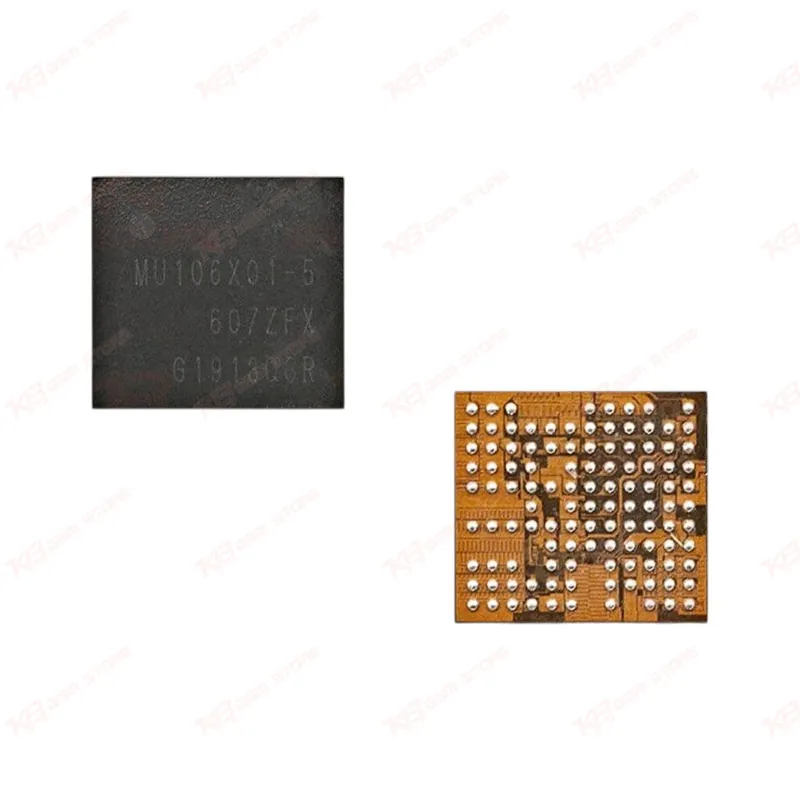
MU106X01-5 Power IC
MU106X01-5 Power IC
Regular price
Rs.800.00 PKR
Regular price
Sale price
Rs.800.00 PKR
Shipping calculated at checkout.
Quantity
Couldn't load pickup availability
The MU106X01-5 Power IC (also known as S2MU106X01) is a power management chip built for Samsung Galaxy A-series and S10-series motherboards. This IC regulates voltage output across the board and keeps charging, display, and boot circuits stable. Technicians reach for this part when a Samsung device shows dead after flash symptoms, won't power on, or drains battery abnormally with no visible hardware damage. Rated for 1.5V–5V input and 0.5W power dissipation, it handles the low-power regulation stage that most Samsung board faults trace back to. A reliable pick for your repair bench when board-level power troubleshooting points to the PMIC section.
⚖️ Weight: 0.01 kg
SKU:MST-IC-61
- Safe & Secure Payment
- Fast Delivery
- WhatsApp Support


Description
FAQ
What is the product name?
The product name is MU106X01-5 Power Management IC.
What is the brand of this product?
This IC is compatible with Samsung Galaxy A-series and S10-series devices.
What is the model of this product?
The model is MU106X01-5, also known as S2MU106X01.
What is this product used for?
This IC is used to regulate board voltage and power supply on Samsung Galaxy boards, commonly for dead phone and no power repairs.
Which devices are compatible with this product?
This product is compatible with Samsung Galaxy A10, A20, A30, A50, A60, A70, S10, S10+, M30, M515, and related board revisions.
Who should use this product?
This product is suitable for mobile repair technicians, repair shops, service centers, and professional users.
Does this IC require a soldering iron or hot air station for installation?
Hot air rework is required for this IC. A regular soldering iron cannot handle its fine-pitch SMD package without damaging the pads.
Which fault symptoms usually point to this IC on a Samsung board?
Dead after flash, no power, boot loop issue, and unstable charging behavior are the common symptoms technicians trace back to this power IC.