


S518 Power IC
S518 Power IC
Regular price
Rs.850.00 PKR
Regular price
Sale price
Rs.850.00 PKR
Shipping calculated at checkout.
Quantity
Couldn't load pickup availability
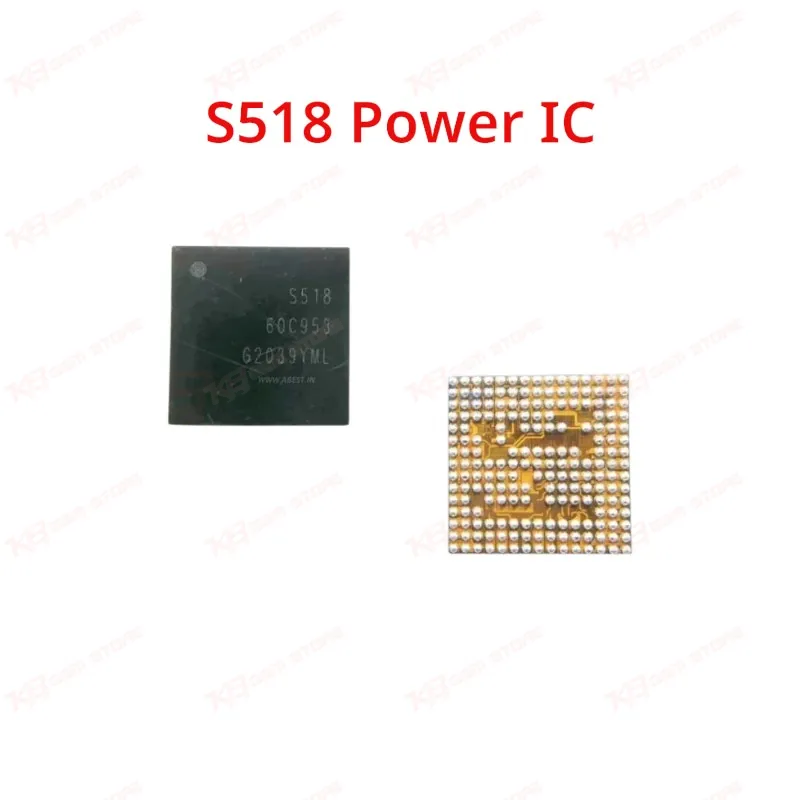
The S518 Power IC is a board-level power management chip used in Samsung Exynos-based devices to regulate charging current and power distribution across the motherboard. Technicians reach for this IC when a phone shows no charging, slow charging, or won't power on despite a healthy battery. Built in a BGA package, it handles supply voltages roughly in the 1.0V–6V range with low dissipation loss, keeping heat output minimal during normal operation. Compatible with Samsung S20, S20 Ultra, A21S, and M12 boards, the S518 gives repair shops a direct replacement path for charging-related power faults without needing a full motherboard swap.
⚖️ Weight: 0.01 kg
SKU:MST-IC-259
- Safe & Secure Payment
- Fast Delivery
- WhatsApp Support


Description
FAQ
What is the product name?
The product name is S518 Power IC.
What is the brand of this product?
This IC is designed for Samsung devices and used as a compatible power management replacement part.
What is the model of this product?
The model is S518.
What is this product used for?
This product regulates charging current and power distribution on the motherboard.
Which devices are compatible with this product?
This product is compatible with Samsung S20, S20 Ultra, A21S, M12, and M127F.
Who should use this product?
This product is suitable for mobile repair technicians, repair shops, service centers, and professional users.
Does the S518 IC fix a phone that shows no charging at all?
Yes, a faulty S518 is a common cause of no-charging faults on supported Samsung boards, and replacing it restores normal charging behavior.
Is the S518 IC a BGA component that needs reballing?
Yes, the S518 ships in a BGA package and requires hot air removal, footprint cleaning, and reballing for proper installation.