


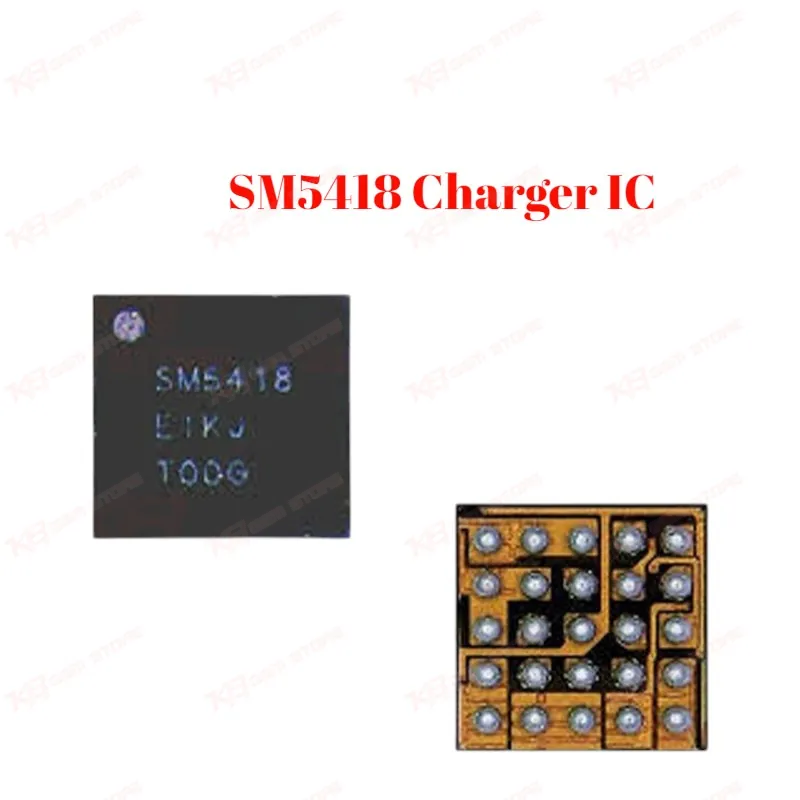
SM5418 Charger IC
SM5418 Charger IC
Regular price
Rs.200.00 PKR
Regular price
Sale price
Rs.200.00 PKR
Shipping calculated at checkout.
Quantity
Couldn't load pickup availability
The SM5418 is the charging IC used on Samsung Galaxy Tab 4 7.0 boards (T230, T231, T235). When a tablet shows no charging response, stays dead after connecting the charger, or the board doesn't detect the USB cable at all, this IC is one of the first components a technician checks. It handles USB charge detection and power delivery to the battery circuit. Small SMD package, direct board-level replacement — no compatible substitute IC required. A standard stock item for any Samsung tablet repair bench in Pakistan.
⚖️ Weight: 0.01 kg
SKU:MST-IC-95
- Safe & Secure Payment
- Fast Delivery
- WhatsApp Support


Description
FAQ
What is the product name?
The product name is SM5418 Charging IC.
What is the model of this product?
The model is SM5418.
What is this product used for?
It's used to replace the charging IC on Samsung Galaxy Tab 4 boards when the tablet shows no charging response or stays dead after connecting the charger.
Which devices are compatible with this product?
This IC is compatible with the Samsung Galaxy Tab 4 7.0 series — SM-T230, SM-T231, and SM-T235.
Who should use this product?
Mobile and tablet repair technicians, repair shops, and service centers handling Samsung tablet board-level repair.
Does the SM5418 fix a tablet that shows no charging response at all?
Yes, if your diagnosis confirms input voltage is reaching the IC but not passing to the battery circuit, replacing this IC typically resolves a no-response charging fault on T231/T235 boards.
Can this IC be replaced with a soldering iron, or does it need hot air rework?
It needs hot air rework — the SMD package and tight board layout on the T231/T235 make a soldering iron unsuitable for a clean reflow.